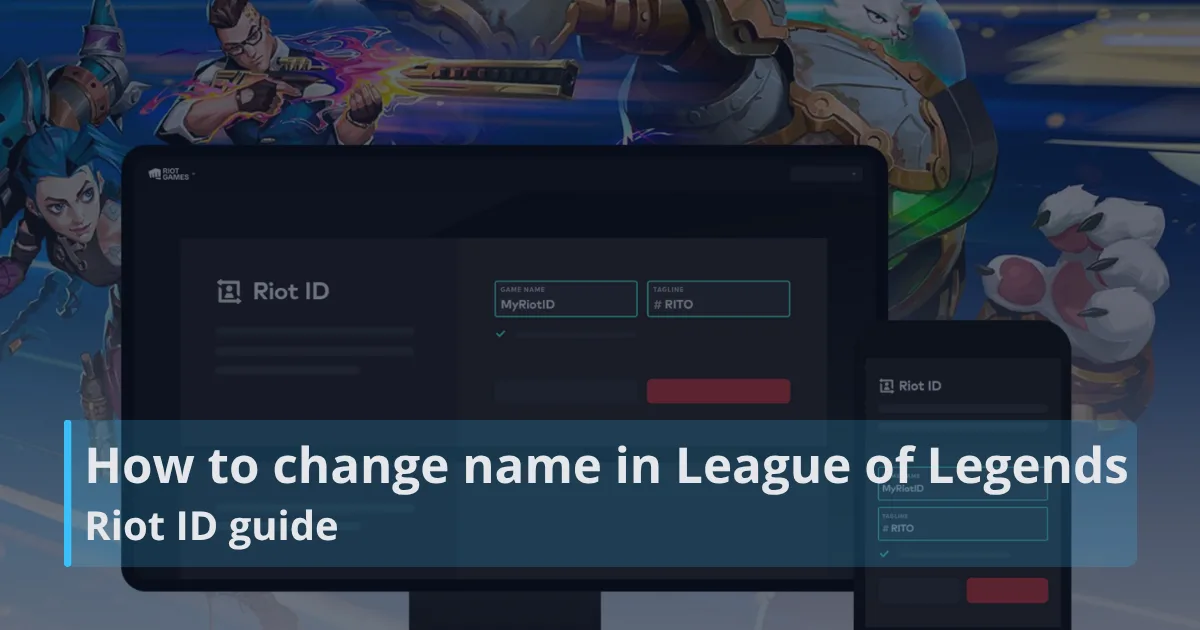
If you are looking up how to change name in League of Legends, the current answer is simple: change your Riot ID. Your Riot ID is the display name used in League of...

League of Legends troubleshooting coverage on RiftDaily helps players fix LoL errors, crashes, connection problems, Vanguard issues, downloads, installs, and server-related disruptions.
If you are looking up how to change name in League of Legends, the current answer is simple: change your Riot ID. Your Riot ID is the display name used in League of...
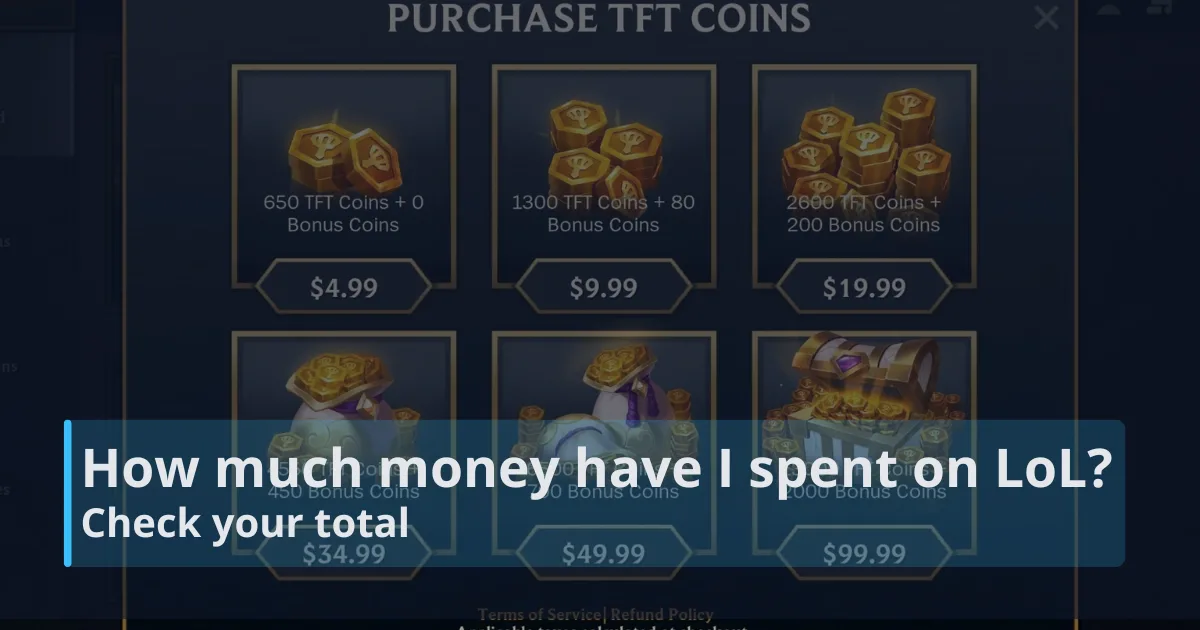
If you are asking how much money have I spent on League of Legends, the current official method is to request the amount through Riot Games Player Support. Riot now...
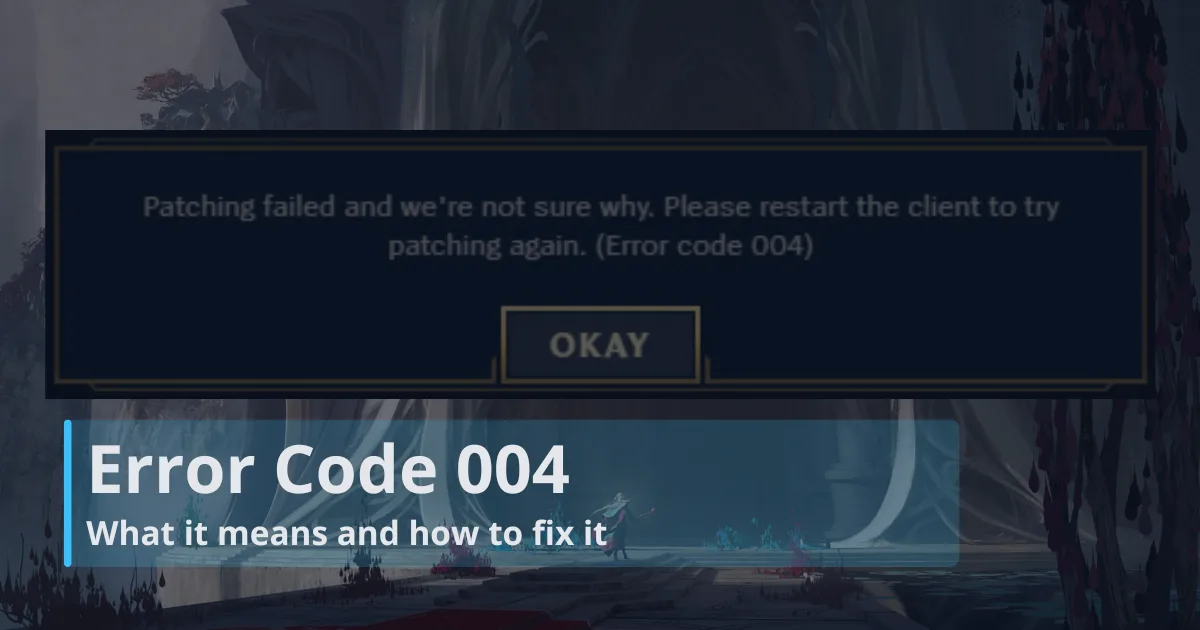
Error Code 004 means the League update got interrupted before Riot Client could finish installing it, and it has become a common issue for some players after Patch...
Latest
 GEN
GEN

 HLE
HLE

 BLG
BLG

 AL
AL

 G2
G2

 TL
TL

 LOS
LOS

 TSW
TSW

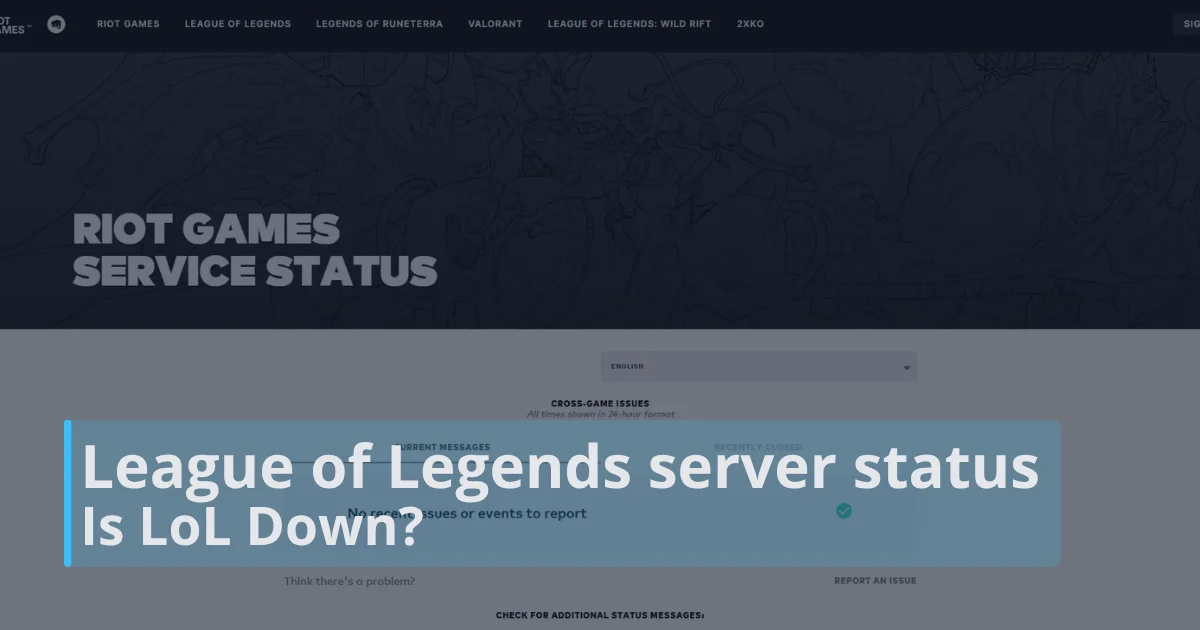
League of Legends server status tells you whether Riot’s live services are operating normally, undergoing maintenance,...
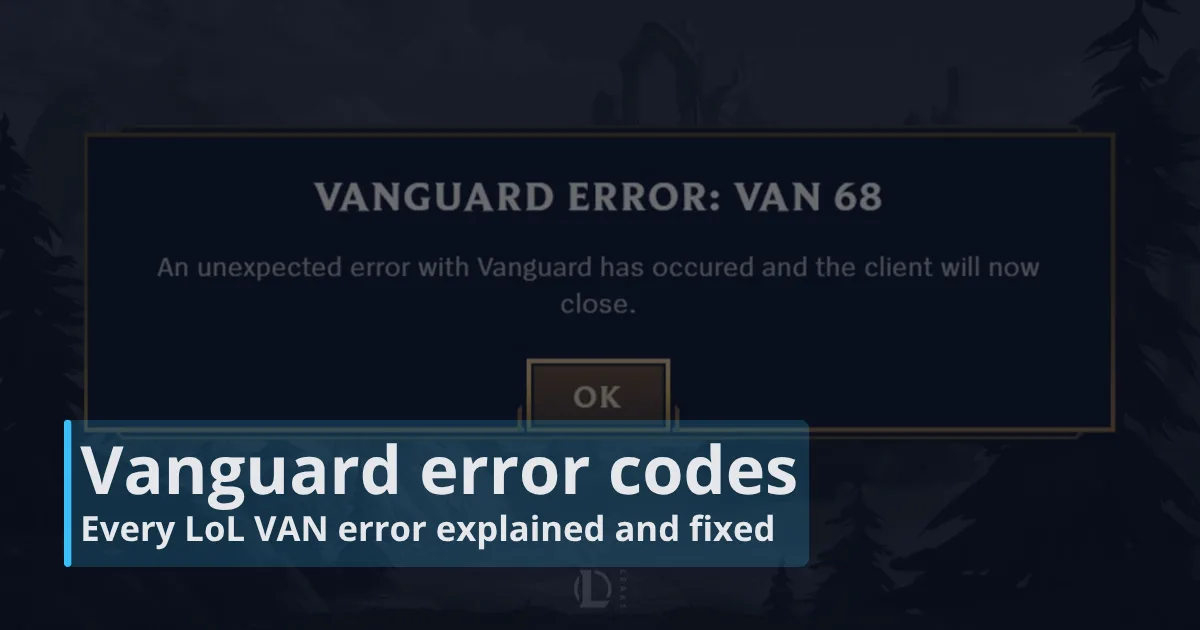
Vanguard error codes are the family of League of Legends security, startup, and connection errors that appear when...

How to uninstall League of Legends is simple when you close the Riot Client first, remove the game through your...

How much time have I spent on League of Legends is easiest to estimate by checking your account on a LoL playtime...
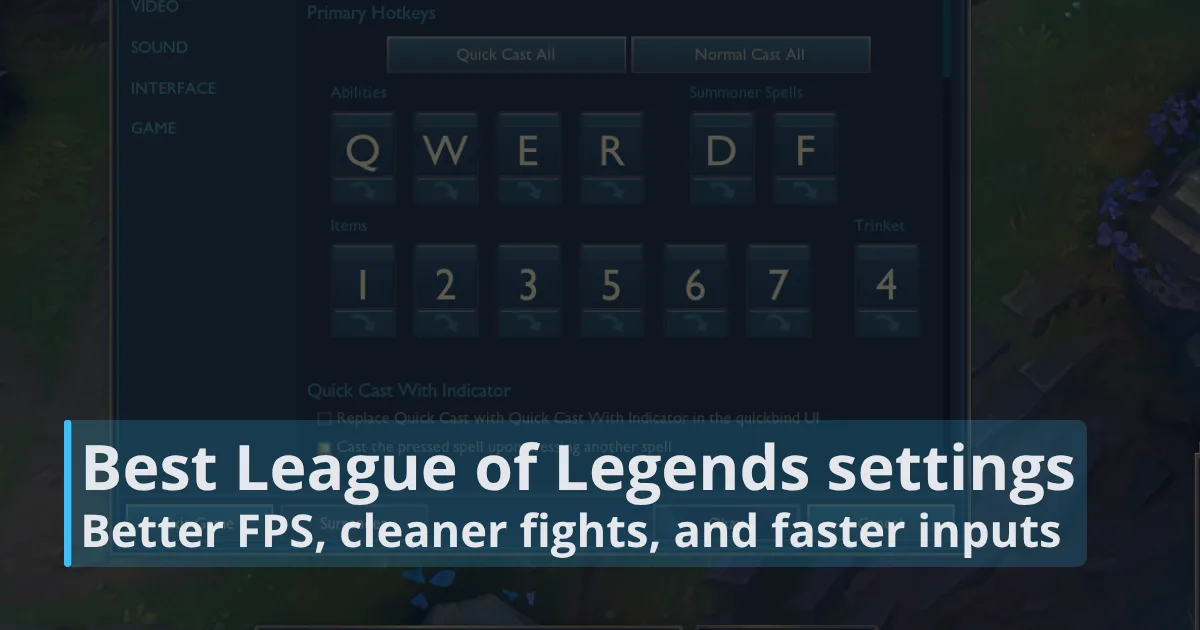
The best League of Legends settings make the game feel smoother, cleaner, and more consistent from the first wave to...
League of Legends download is the official way to install Riot’s free MOBA on Windows or Mac. To download League of...
Shorts
League of Legends troubleshooting is about getting back into the client, the queue, and the match with the least confusion possible. Problems can come from many places, including Riot Client errors, Vanguard checks, unstable connections, corrupted files, outdated drivers, regional server disruption, or a broken install. RiftDaily organizes those issues into practical help pages so players can move from symptom to likely fix without guessing.
This category covers LoL troubleshooting from a player-first angle. We focus on what the problem looks like, what it usually means, which first steps are safest, and when an issue is more likely on Riot’s side than yours. Before reinstalling the game or changing network settings, it is often worth checking LoL server status, restarting the Riot Client, reviewing error text carefully, and confirming whether other players are reporting the same behavior.
Official Riot resources should remain the final authority for account, anti-cheat, and platform-specific instructions. Riot’s League of Legends Support hub includes technical help, installation guidance, connection articles, and player support paths. Community spaces such as r/LoLTechSupport can also reveal patterns, but unofficial fixes should be treated carefully.
| Problem type | What RiftDaily helps with |
|---|---|
| Client and launch errors | Startup failures, stuck loading, repair steps, and reinstall decisions. |
| Connection problems | Ping spikes, disconnects, DNS questions, packet loss, and server checks. |
| Vanguard errors | Clear explanations for anti-cheat messages and Vanguard error codes. |
| Install and download issues | Guidance for LoL download problems, failed installs, and clean setup steps. |
Many League problems start before champion select. The client may refuse to open, loop back to the Riot Client, freeze after login, fail to patch, or crash when a match begins. Good troubleshooting starts with simple checks before drastic steps. Close League and Riot Client processes, restart the PC, run the Riot Client with the right permissions, and confirm that security software is not blocking League files.
RiftDaily’s guides help separate routine fixes from riskier advice. A full reinstall can help when files are damaged, but it should not be the first answer to every issue. We also explain when Riot’s repair tools, driver updates, Windows updates, or clean installation steps are more appropriate than deleting random folders found in forum posts.
Connection issues can feel similar even when the causes are different. High ping, packet loss, reconnect loops, failed login sessions, and sudden disconnects may come from Wi-Fi instability, local network congestion, DNS routing, firewall rules, ISP problems, or Riot-side service disruption. The first question is whether the issue affects only League, only one region, or your whole internet connection.
RiftDaily treats server checks as an important early step. If Riot services are unstable, changing PC settings may waste time and create new problems. If servers look healthy, then connection troubleshooting can move toward router restarts, wired connections, firewall exceptions, DNS testing, and logs for Riot Support. The goal is not just to reconnect once, but to identify the pattern behind the failure.
Vanguard issues are now a major part of LoL troubleshooting on Windows. These errors can appear as VAN codes, startup blocks, service problems, restart prompts, or messages that prevent the game from launching. Because Vanguard is Riot’s anti-cheat system, players should be cautious with unofficial advice that suggests disabling protections, changing system files blindly, or using third-party tools.
RiftDaily explains Vanguard problems in plain language, including what a code usually points toward and which official steps should come first. Some errors are solved by restarting the Riot Client or the PC. Others may require checking services, system settings, permissions, or Riot Support instructions. Our aim is to make each message less cryptic while keeping fixes safe and repeatable.
Install problems can happen before a player ever reaches the Rift. League may download slowly, fail to patch, stall during installation, or open with missing files after an interrupted update. In these cases, the safest path is usually to confirm enough storage space, use the official installer, avoid moving game folders manually, and check whether security software is interfering.
Clean reinstalls can be helpful, but they should be deliberate. RiftDaily’s troubleshooting coverage explains when to repair, when to reinstall, and when to stop changing things because the issue may be account, region, or server related. We also highlight the importance of using official Riot and League download sources rather than mirrors, repacks, or outdated installers that can create more errors.
RiftDaily’s League of Legends troubleshooting category is built for players who want clear next steps when the game refuses to cooperate. We cover client errors, launch failures, connection instability, Vanguard messages, server checks, download problems, installation issues, and common technical symptoms that interrupt normal play. Instead of treating every problem as a reinstall, we organize fixes by likely cause and practical order.
The category is especially useful when an error message is vague. A failed launch can look like a broken client, but the cause might be permissions, anti-cheat, damaged files, outdated drivers, or a temporary service issue. A disconnect can look like Riot’s fault, but it might be Wi-Fi loss, DNS routing, firewall interference, or ISP congestion. By breaking those possibilities down, RiftDaily helps players test smarter.
We also connect related resources across the site. Players dealing with anti-cheat messages can start with Vanguard error codes. Anyone unable to log in or queue should check LoL server status before changing local settings. Players reinstalling or setting up the game can use LoL download guidance, while broader technical and gameplay explainers live in our guides.
League is a live service game, so troubleshooting will always involve both local fixes and Riot-side checks. RiftDaily keeps this category focused on safe, readable, player-friendly help that explains what to try, what to avoid, and when official Riot Support is the right next step.