If you are asking how much money have I spent on League of Legends, the current official method is to request the amount through Riot Games Player Support. Riot now directs players to submit a support ticket, choose League of Legends, select the formal personal data request option, and ask how much money they have spent with Riot Games.
This is important because many older guides still describe a "Show Me the Money" button that revealed the total instantly. Riot's current June 2026 instructions instead tell players to complete the request and submit a ticket for Player Support to review.
Riot has changed this process before, so the steps below follow its current support guidance rather than older screenshots and tutorials.
How much money have I spent on League of Legends? Quick answer
To check how much money have I spent on League of Legends, open the official Riot Games support ticket form, sign in to the account you want to check, and select League of Legends. Choose Account Management, Data Requests, or Deletion, select Formal Personal Data Request, then choose I want to know how much money I've spent with Riot Games. Add a subject and description and submit the request.
You can also read Riot's official League spending instructions before starting. If you want to check existing tickets or recent purchases afterward, return to the Riot Games Support homepage.
- Open Riot's official support ticket form.
- Sign in to the Riot account you want to check.
- Select League of Legends under Product.
- Select Account Management, Data Requests, or Deletion under Category.
- Choose the platform requested by the form.
- Select Formal Personal Data Request.
- Choose I want to know how much money I've spent with Riot Games.
- Complete the Subject and Description fields.
- Submit the ticket and wait for Player Support to review it.
Riot does not give a guaranteed response time in its current spending article, so be wary of older guides that promise an instant result.
How to check your League spending step by step
The most reliable answer to how much money have I spent on League of Legends comes from Riot's own account records. Start with the current Riot spending guide, then use the official ticket submission page to make the request.
1. Sign in to the correct Riot account
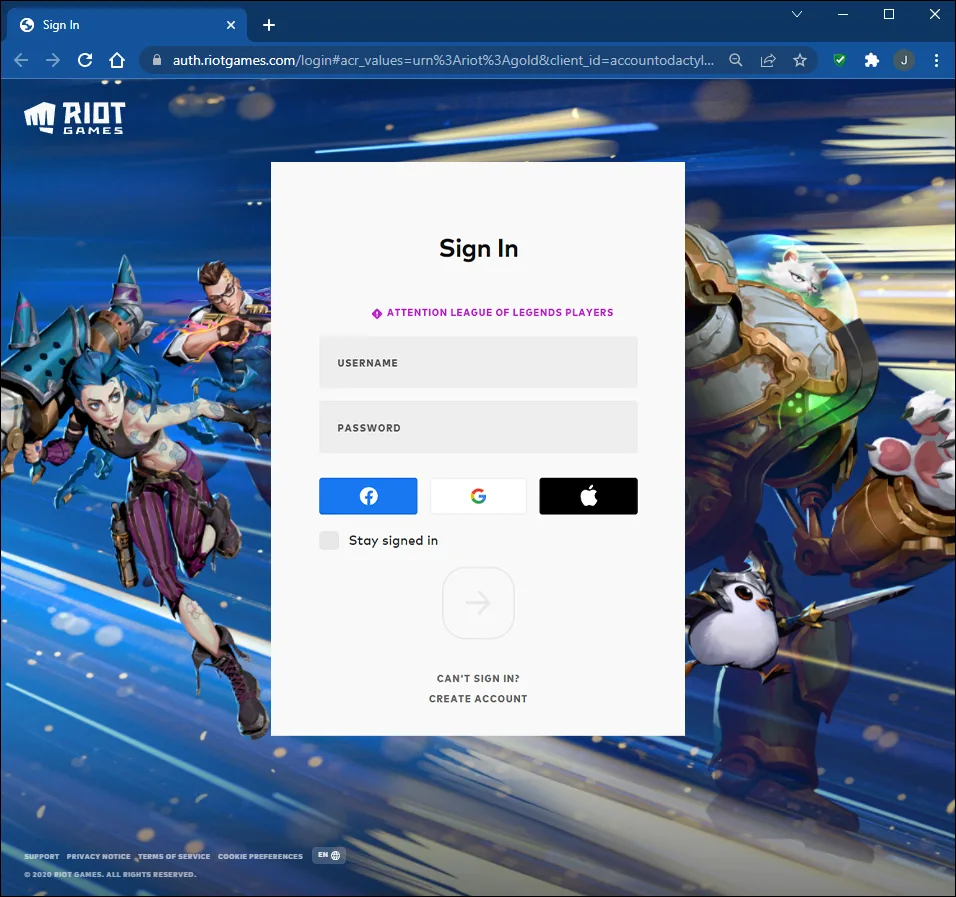
Before submitting anything, check which Riot account is signed in. This matters if you have an old main account, alternate accounts, or several logins accumulated over years of playing. Riot's account security guidance is also worth reviewing if you are unsure whether a login page is legitimate.
If you paid for League content on more than one account, a result for one account should not be treated as your complete personal spending total.
2. Select League of Legends
Choose League of Legends under Product. Riot supports several games through the same support system, so selecting the correct title gives the request the right context. The League of Legends Support hub is the official starting point for game-specific account and support resources.
3. Choose the account and data request category
Under Category, select Account Management, Data Requests, or Deletion. A League spending request is handled as an account-data question rather than a gameplay bug or ordinary technical-support issue.
4. Select your platform
The current Riot form asks you to choose the relevant platform. Simply select the option that matches the account and product you are requesting information about, then continue to the inquiry fields.
5. Choose Formal Personal Data Request
In the first Please Select your Inquiry field, choose Formal Personal Data Request. If you need more than a spending figure, Riot also maintains a broader account data request guide.
6. Select the spending request
Choose I want to know how much money I've spent with Riot Games. This is the key option for checking how much money have I spent on League of Legends through Riot's current process.
7. Ask specifically for your League total
Riot's current option says money spent with Riot Games, rather than explicitly saying League of Legends only. That wording matters if the same Riot account has also been used to spend money in VALORANT or another Riot title.
To avoid ambiguity, use a clear subject such as League of Legends spending total. In the Description field, say that you want to know how much real money you have spent specifically on League of Legends with that account.
Important: if you spend money in multiple Riot games, do not assume the figure will automatically be separated by game. Ask Player Support for a League-specific total in the ticket.
8. Submit the request
Complete any remaining required fields and submit the ticket. Riot says a Player Support agent will review the request and get back to you. You can return to Riot Games Support to access open tickets and recent purchases.
What happened to the Show Me the Money button?
If you have searched how much money have I spent on League of Legends before, you may remember a much faster method. Riot previously offered a self-service spending checker, and many guides still tell players to sign in and press a red Show Me the Money button.
That is the biggest source of outdated information around this search. Guides published before Riot's June 2026 update may still describe the old button as the main method, and some pages continue to suggest that the ticket form will reveal the total automatically without submission.
Riot's current instructions are different. They tell players to fill out the Subject and Description fields and submit the ticket. If an older tutorial conflicts with Riot's current support page, follow Riot's current process.
League spending total vs purchase history
Another common source of confusion is the difference between how much money have I spent on League of Legends and what appears in your purchase history. They are related, but they are not the same measurement.
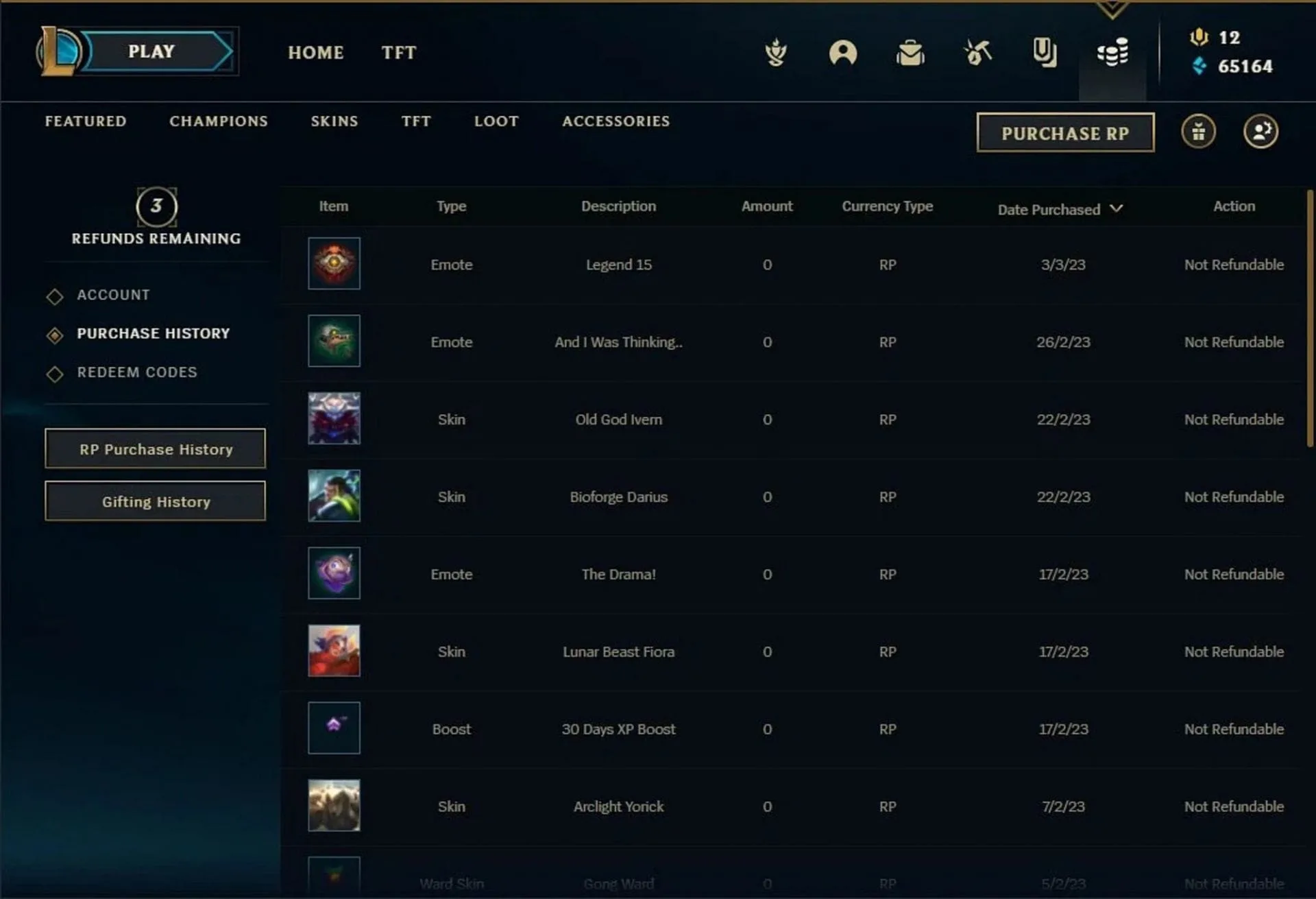
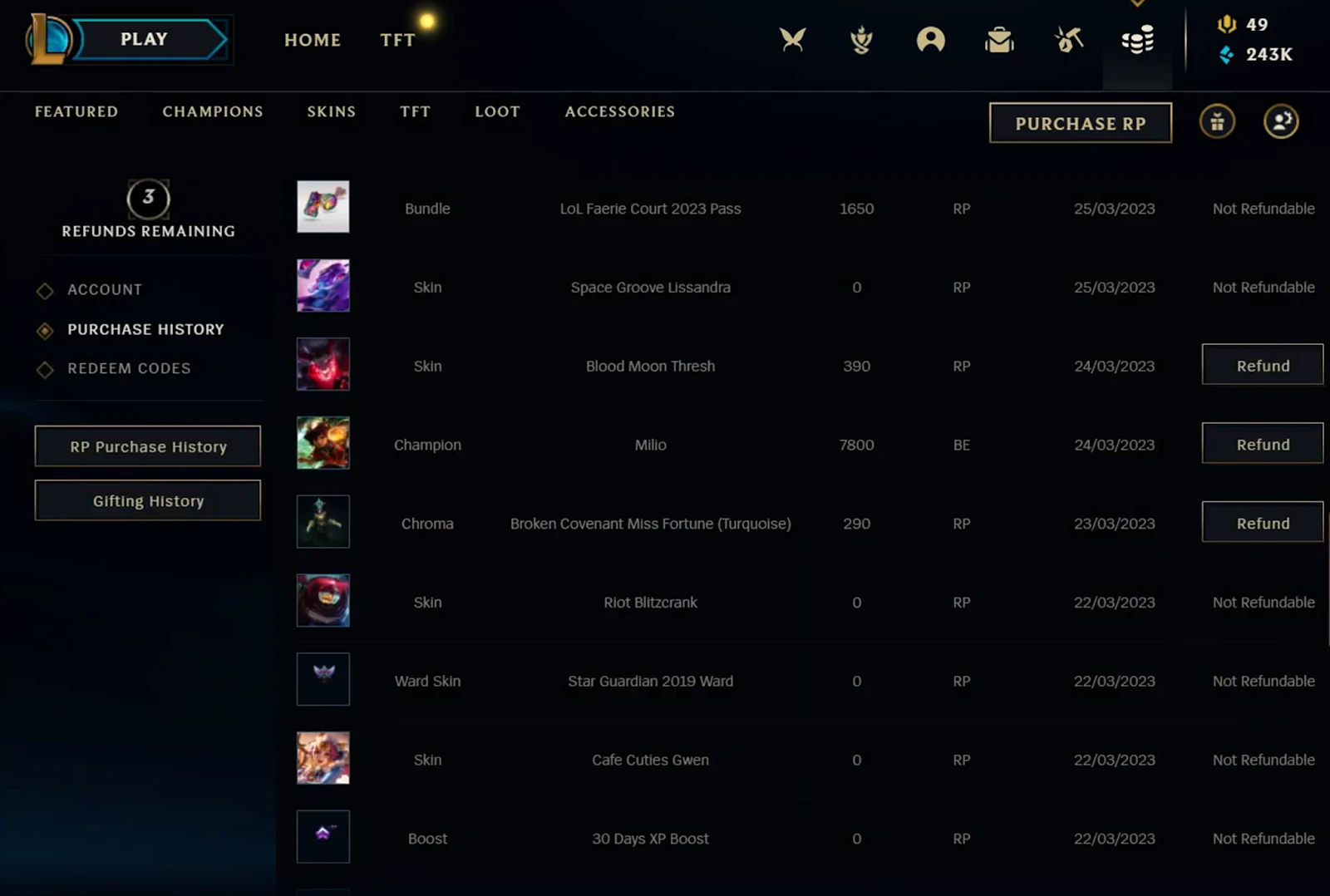
League purchase history helps you inspect in-game transactions. Your real-money spending total is about how much money was paid into the account. Buying RP and later spending that RP on a skin are separate steps, so adding up the RP price of every cosmetic you own will not reliably reproduce your cash spending.
| Method | What it shows | Best use | Should you use it for your total? |
|---|---|---|---|
| Riot spending request | Spending information from Riot's account records | Checking your official spending | Yes, start here |
| League purchase history | Individual in-game transactions | Reviewing what you bought | No, not by itself |
| Bank or card statements | Charges made through that payment method | Cross-checking payments | Useful, but may be incomplete |
| Email receipts | Purchases for which receipts remain available | Checking dates and individual charges | Useful as supporting evidence |
| Third-party calculator | An unofficial estimate or result | Little practical benefit | Not necessary |
What does the spending number actually include?
Riot explains how to request how much money have I spent on League of Legends, but its current spending article does not publish a detailed calculation formula covering every possible transaction.
That means you should avoid relying on confident claims from old third-party guides about exactly how gifts, refunds, taxes, chargebacks, region transfers, or purchases in other Riot games affect the figure. If one of those situations applies to you, ask Player Support to clarify the result.
- Other Riot games: ask for a League-only total if you also spend money in other Riot titles.
- Refunds: ask whether significant refunded transactions are reflected in the figure you receive.
- Gifts: if sent or received gifts materially affect what you are trying to calculate, ask Riot how they are treated.
- Region transfers: mention previous regions if you want to know whether older purchases are represented.
- Multiple accounts: request the information for each relevant Riot account separately.
The safest interpretation is simple: treat Riot's response as the spending information Riot provides from its own records, not as an account valuation or a reconstruction based on the items you currently own.
How to check spending across multiple League accounts
If how much money have I spent on League of Legends means how much you have spent across every account you have used, check those accounts separately. A request attached to one Riot account should not be assumed to include unrelated alternate accounts.
Once Riot gives you the figures, add them together for a personal grand total. You can also compare the result with your time spent on LoL. For a player who has been active for many years, cost per year or cost per hour can be more informative than one large lifetime figure.
Do you need a full Riot account data request?
Usually, no. If your only question is how much money have I spent on League of Legends, the dedicated spending inquiry is the more direct route.
A broader Riot account-data request can make sense when you need more detailed account or purchase information rather than a single spending figure. It is best treated as a second option if the spending response does not provide enough detail for what you are trying to verify.
Can you refund purchases after seeing your total?
Checking your League spending does not make old purchases automatically refundable. Refund eligibility is a separate issue and depends on Riot's current rules, the content involved, when it was purchased, and whether it has been used.
Riot's current global refund policy generally allows qualifying unused content to be refunded within 14 days. League also has game-specific refund tokens for eligible purchases, with additional limits. If a particular transaction matters, check the current policy or ask Player Support instead of assuming the lifetime spending request can reverse it.
How to check your LoL spending safely
You do not need to give your Riot password directly to an unofficial website to answer how much money have I spent on LoL. Riot already provides an official support route, so there is little reason to trust a random spending calculator with sensitive account information.
- Sign in through Riot-controlled account and support pages.
- Check the domain before entering your credentials.
- Never send your password or login code to someone offering to check the account manually.
- Avoid unknown browser extensions that claim to reveal your spending.
- Do not treat a cosmetic-value calculator as an official spending record.
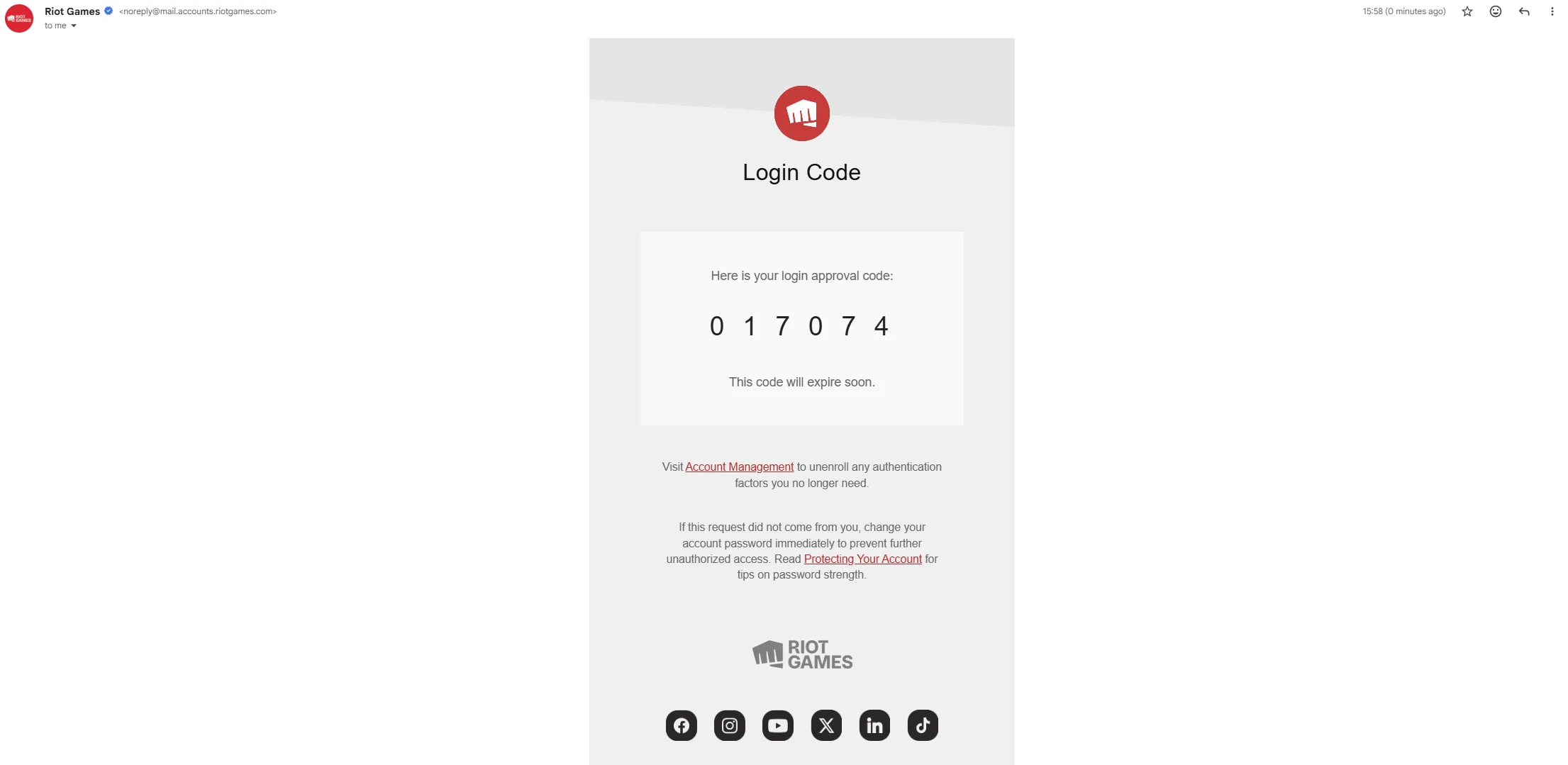
Riot's account protection guide says Riot credentials should only be entered through Riot's authentication system. If you are unsure whether a page belongs to Riot, start from the official League of Legends website or the Riot Games website and navigate to Support from there.
What if the Riot spending request is not working?
The spending request runs through Riot Support in your browser, so a League client issue does not automatically prevent you from submitting it. First determine whether the problem is with your account login, the support page, or Riot's services.
If Riot services appear unavailable, check the LoL server status or Riot's official service-status page. For account, browser, connection, or client problems, use the relevant League troubleshooting guides.
If Vanguard is also producing an error when you try to play, our Vanguard error codes guide can help with that separate issue. Do not reinstall League solely because the spending form will not submit. If the client itself is genuinely damaged, follow the proper steps to uninstall League of Legends before using the current process to download League of Legends again.
What to do after you see your League spending
Once you have answered how much money have I spent on League of Legends, the useful part is deciding what the number means for you. A lifetime total can look large even when it covers a decade of play, while a smaller total can still be more than you intended to spend.
- Work out an annual average. Divide your total by the number of years you have actively played.
- Compare it with playtime. Cost per hour can put a lifetime figure into perspective.
- Check unfamiliar charges. Review anything you do not recognize and raise questionable transactions with Riot Support.
- Set an RP budget. Decide what you are comfortable spending before the next skin, pass, or event arrives.
- Keep account totals separate. This makes it easier to see where your money went if you use alternate accounts.
For broader account and gameplay help, browse our League of Legends guides. Before spending on upcoming content, you can also follow League of Legends news, read the latest League patch notes, and keep up with major League updates.
Common mistakes when checking League spending
Following an outdated tutorial
If a guide says how much money have I spent on League of Legends is always answered instantly by pressing Show Me the Money, check when the instructions were written. Riot's June 2026 guidance directs players to submit the request to Player Support.
Adding up the RP price of every skin
The RP value of your collection is not the same as real-world money spent. RP is purchased separately and may later be used across different types of content.
Checking only one bank card
Bank records are useful for cross-checking, but a longtime player may have changed cards, payment services, banks, currencies, or payment methods several times.
Forgetting about alternate accounts
If you have spent money on several Riot accounts, check them individually. One account's result is not automatically a complete personal lifetime total.
Confusing spending with account value
The amount you paid into League is not the same as the supposed market value of your account. The support request answers a spending question, not an account-valuation question.
Frequently asked questions about how much money have I spent on League of Legends
How much money have I spent on LoL?
To check how much money have I spent on LoL, submit a Riot Support ticket for League of Legends, choose Account Management, Data Requests, or Deletion, select Formal Personal Data Request, then choose the option asking how much money you have spent with Riot Games. Complete the ticket and submit it.
Is the Show Me the Money button still the official method?
Riot's current June 2026 spending instructions tell players to submit a Player Support ticket. Older tutorials may still show an automatic Show Me the Money button, but that is not the process Riot currently documents in its spending article.
Does League purchase history show how much real money I spent?
No, not by itself. Purchase history helps you review in-game transactions, while how much money have I spent on League of Legends is asking about real-world spending. Riot's spending request is the better method for that question.
Does the spending total include VALORANT?
Riot's current inquiry is worded as money spent "with Riot Games," so players who also spend money in other Riot titles should explicitly ask for their League of Legends total in the ticket description rather than assuming the figure will be League-only.
Can I check spending for multiple League accounts?
Yes. Submit the request for each relevant Riot account, then add the results if you want to know how much you personally spent across all of your League accounts.
Are gifts, refunds, taxes, or region transfers included?
Riot's current spending article does not publish a detailed formula for every one of these cases. If any could materially affect your result, ask Player Support to clarify how the returned amount was calculated.
How long does Riot take to answer?
Riot says a Player Support agent will review the spending request and get back to you as soon as possible, but its current article does not give a guaranteed response time.
Can I refund old purchases after seeing my total?
Not automatically. Refund eligibility is separate from checking how much money have I spent on League of Legends and depends on Riot's current refund rules, the item, when it was purchased, and whether it qualifies for a refund.
Get the real total, then put it in perspective
The current way to answer how much money have I spent on League of Legends is straightforward: sign in to Riot Support, choose League of Legends, select the account and data request category, choose Formal Personal Data Request, request your Riot spending information, and submit the ticket. If you also spend money in other Riot games, make it clear that you want your League-specific total.
Once Riot gives you the number, compare it with your time spent on LoL and browse our League guides for more account and gameplay help. If something is not working, use our troubleshooting guides, check the LoL server status, or look up the relevant Vanguard error code. For installation problems, follow our League uninstall guide and League download guide. You can also keep up with League news, the latest patch notes, and important League updates before deciding where your next RP budget goes.